Settings
Settings will help you to set or update Server Time Zone, Global Max Session Limit, Global Max Connection Limit and Management IP
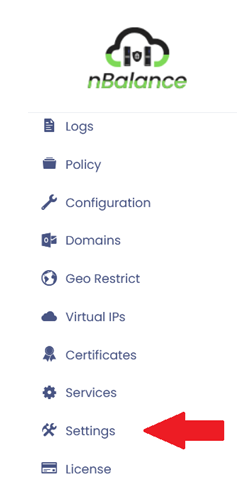
- Click on > Settings It will navigate to the Settings page.
Setting Page

The form contains following fields:
- Server Time Zone:
- Management IP:
Click on> UPDATE button will update or change the content in the specific field.
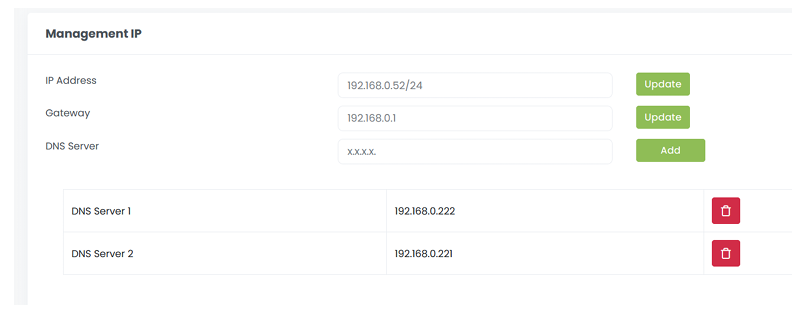
Management IP
- IP Address: IP addresses serve the purpose of identifying and locating devices on a network.
- Gateway: It will help to connect different networks
- DNS Server: It will help to convert the domain name into IP address. Click on> Update button will update the specific field. Click on> Add button will add the DNS server. Click on> Delete icon Button will delete the DNS server.